
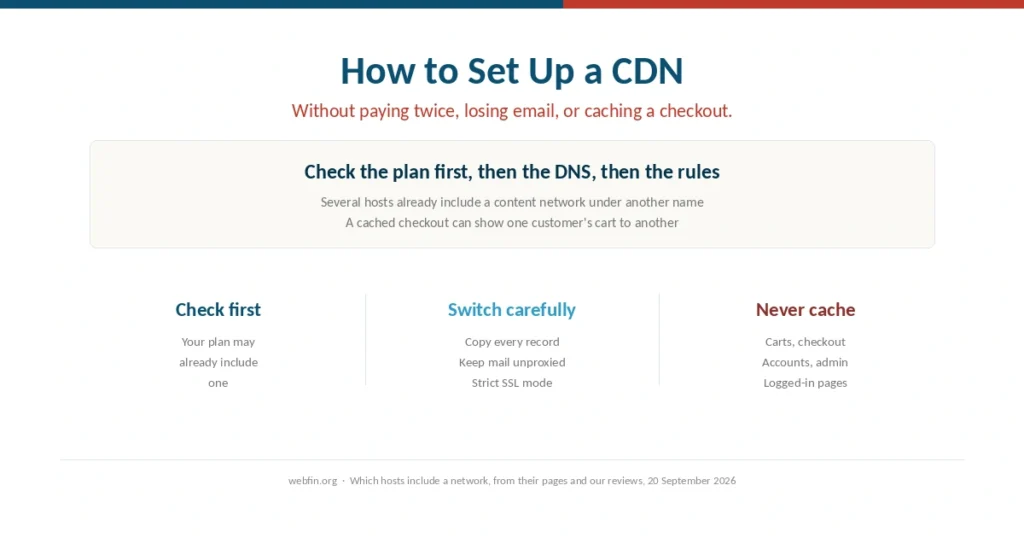
How to Set Up a CDN (2026): Without Paying Twice or Breaking Checkout
An easy CDN mistake is paying for one you already have. The worst is caching a checkout.
Step-by-step guides for the things that go wrong after you buy hosting: migrations, SSL certificates, backups, slow sites, downtime. Written for someone with a control panel already open, not a shopping cart.
An easy CDN mistake is paying for one you already have. The worst is caching a checkout.
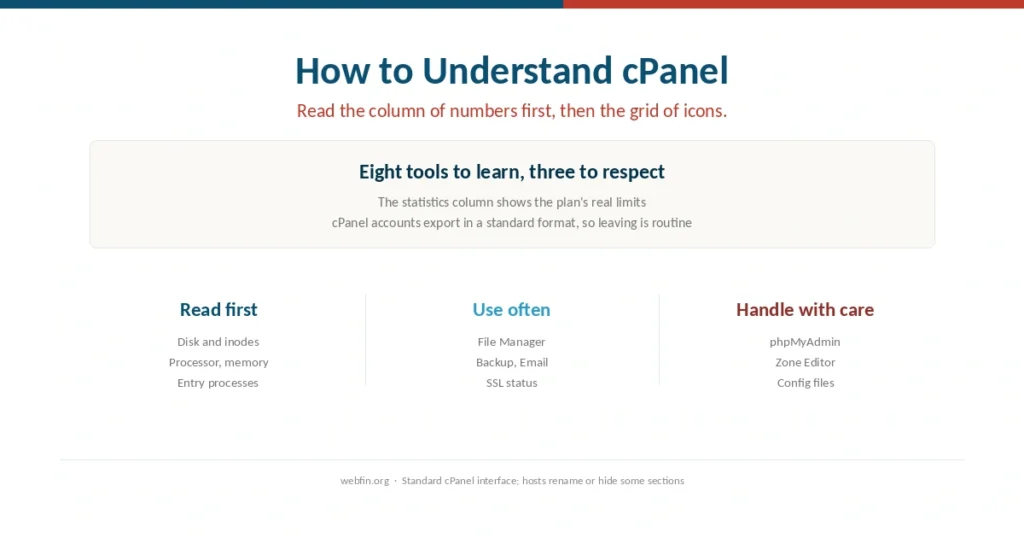
Start with the column of numbers, not the grid of icons. The numbers are your plan’s real limits, and cPanel is one of the few places you can see them.
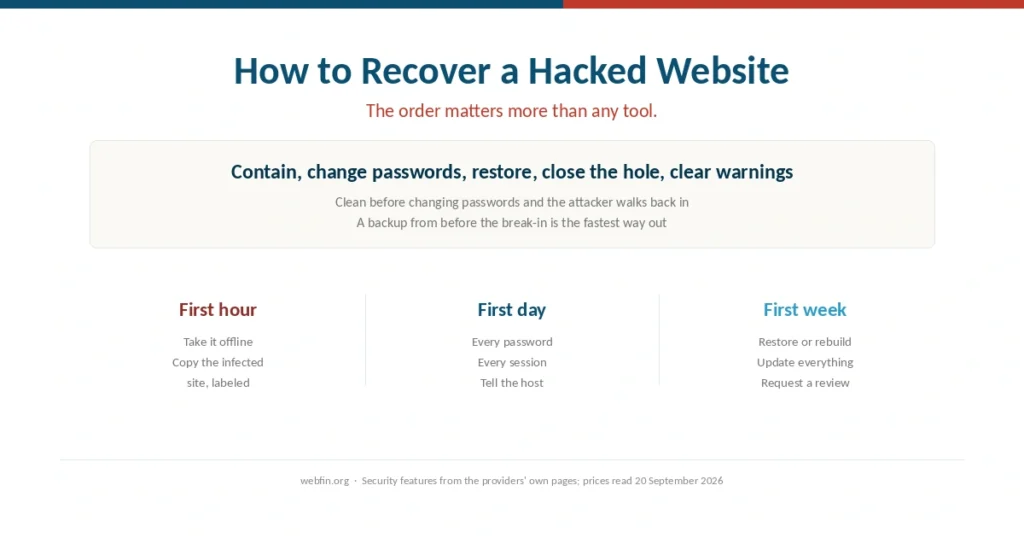
The order matters more than any tool. Clean before changing the passwords and the attacker simply walks back in.
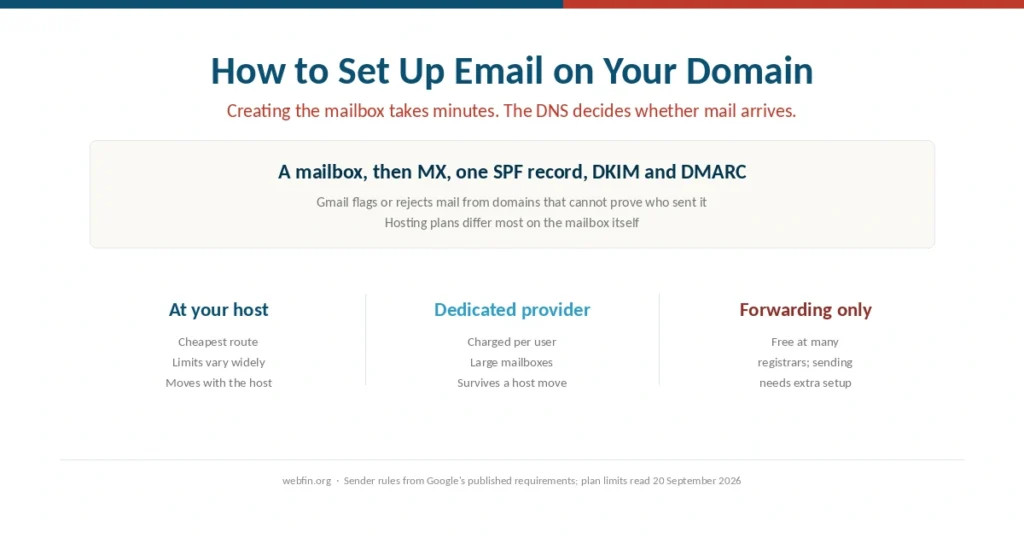
Creating the mailbox takes minutes. The DNS records decide whether anything you send reaches an inbox, and hosting plans differ most on the mailbox.
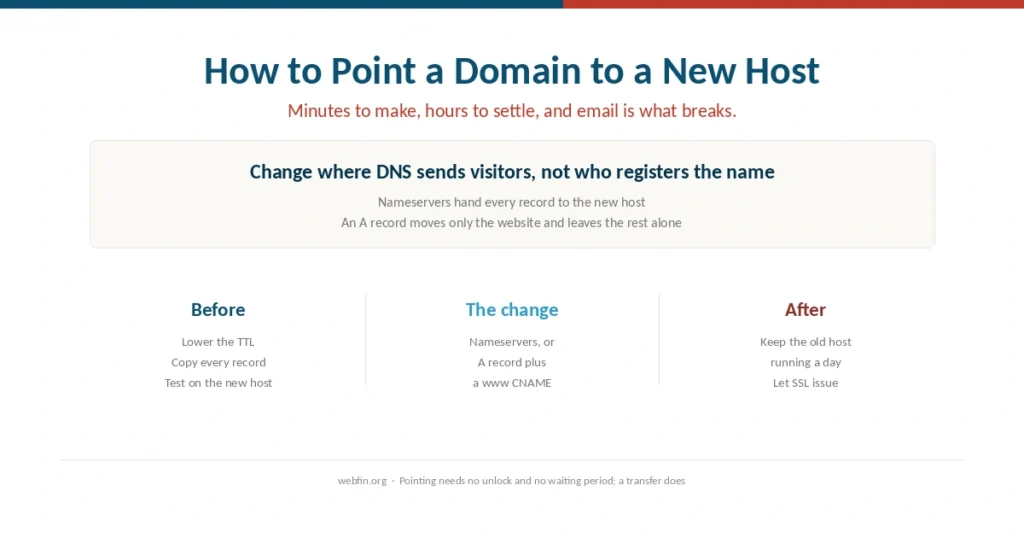
Pointing takes minutes and settles in hours. The part that breaks is email, because its records live in the same place and are easy to overwrite.
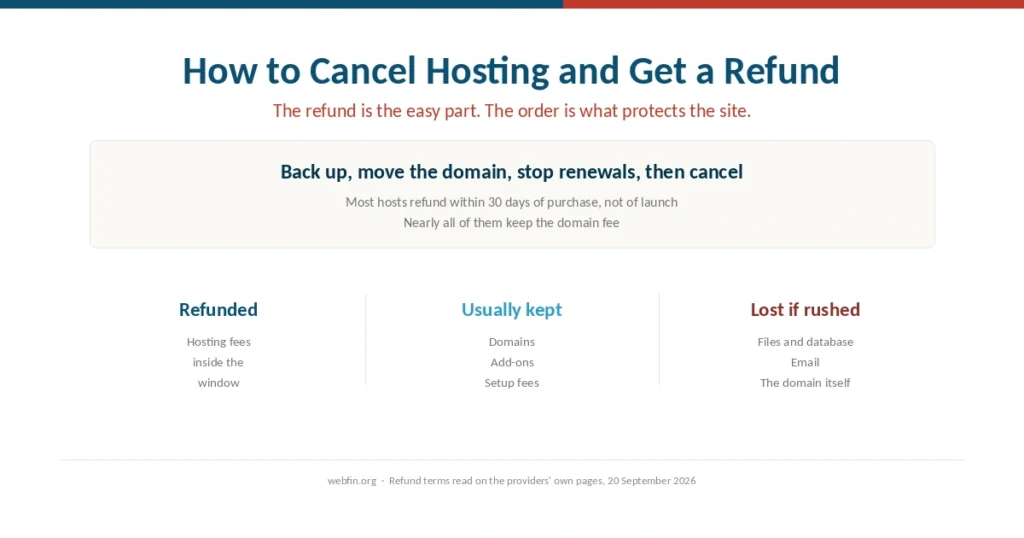
The refund is usually the easy part. The site, the domain and the email are what people lose when they cancel in the wrong order.
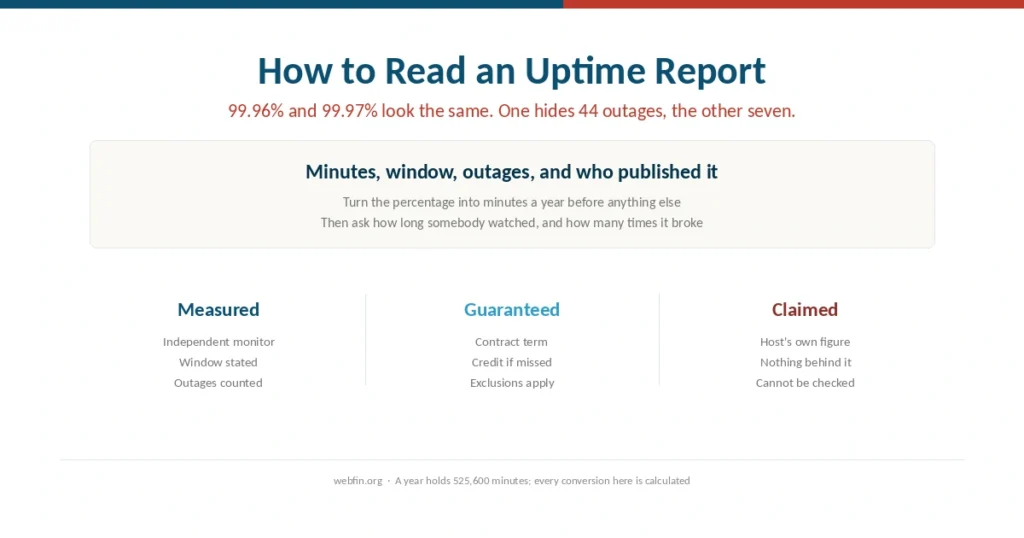
99.96% and 99.97% look identical. One hides 44 outages and the other hides seven, which is why the percentage is the least useful part.
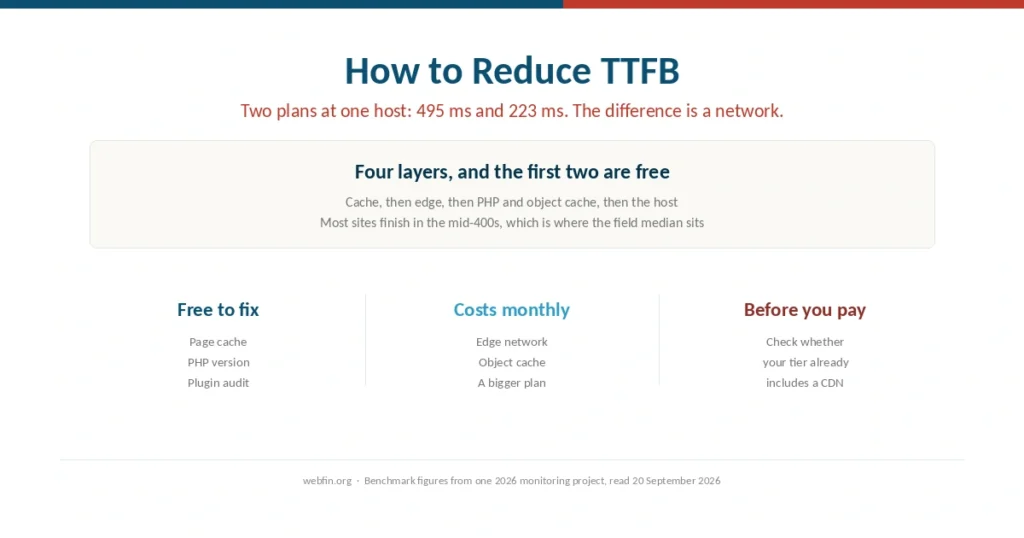
The same host answers in 495 ms on one plan and 223 ms on another. The difference is a content network, not a faster machine.
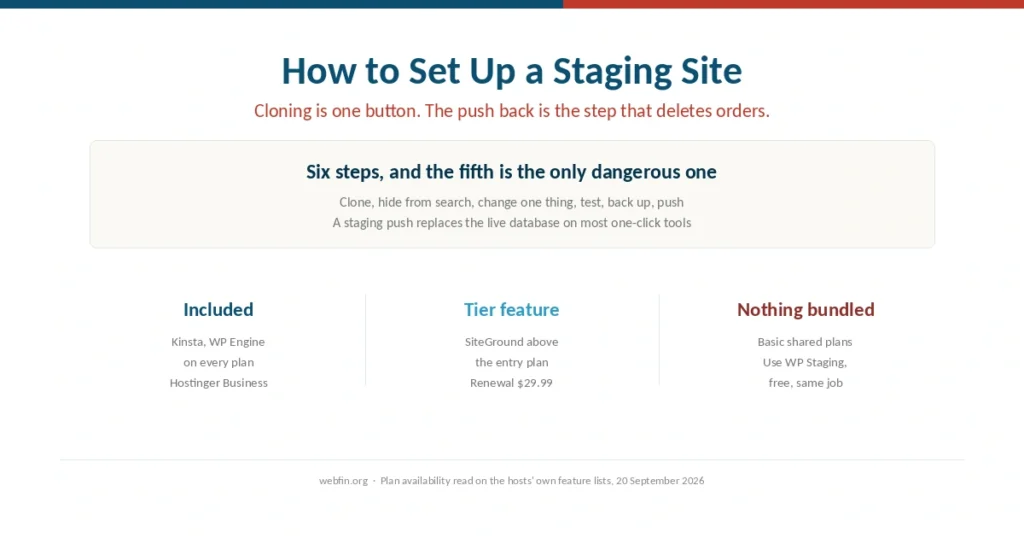
Cloning the site is one button. The push back is the step that deletes orders, and the fix takes two minutes.
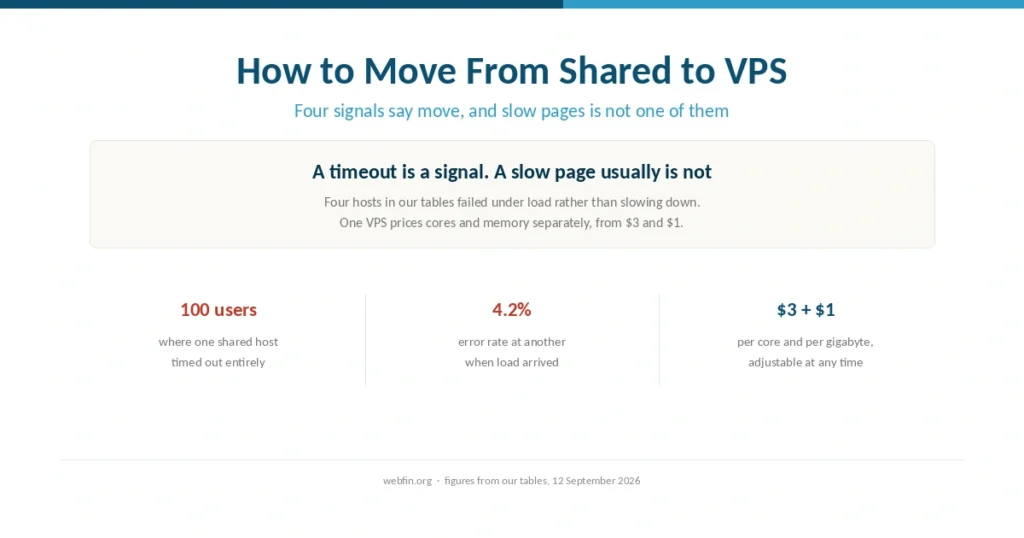
A timeout is a reason to move. A slow page usually is not, and several signals people act on are solved by something cheaper.