
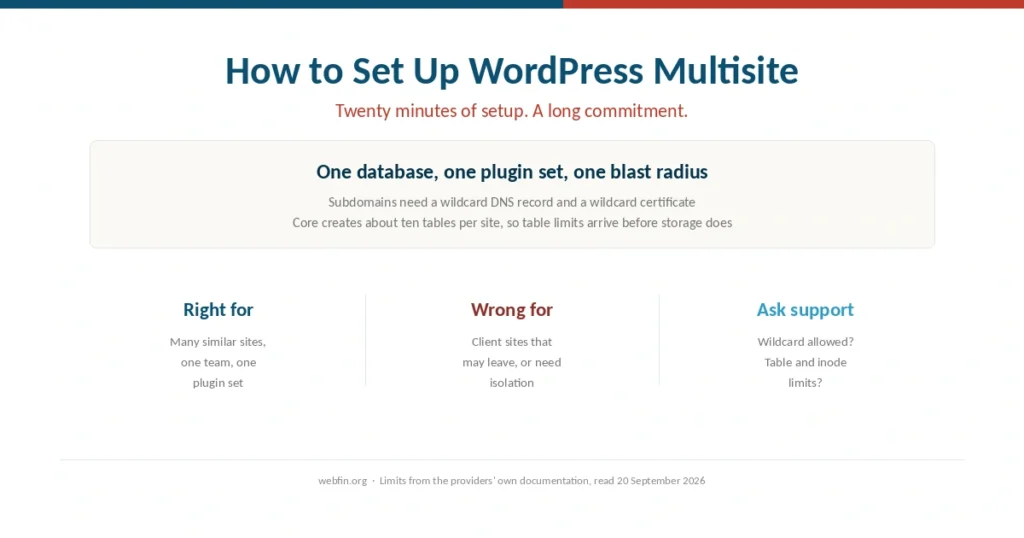
How to Set Up WordPress Multisite (2026): And When Not To
Setup takes twenty minutes. The decision is harder, because a network shares one database, one plugin set and one blast radius.
Step-by-step guides for the things that go wrong after you buy hosting: migrations, SSL certificates, backups, slow sites, downtime. Written for someone with a control panel already open, not a shopping cart.
Setup takes twenty minutes. The decision is harder, because a network shares one database, one plugin set and one blast radius.
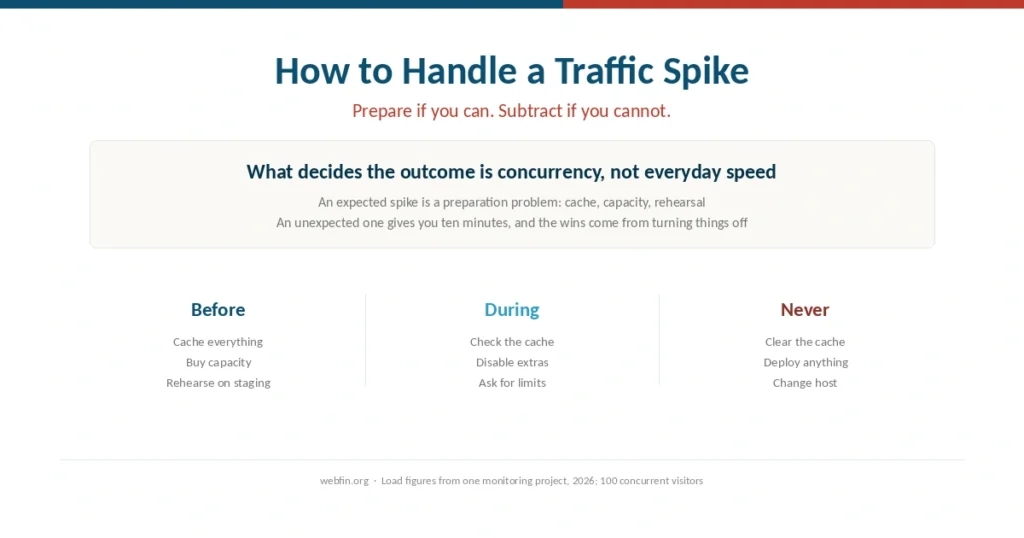
An expected spike is a preparation problem. An unexpected one gives you ten minutes, and the useful moves are all subtractive.
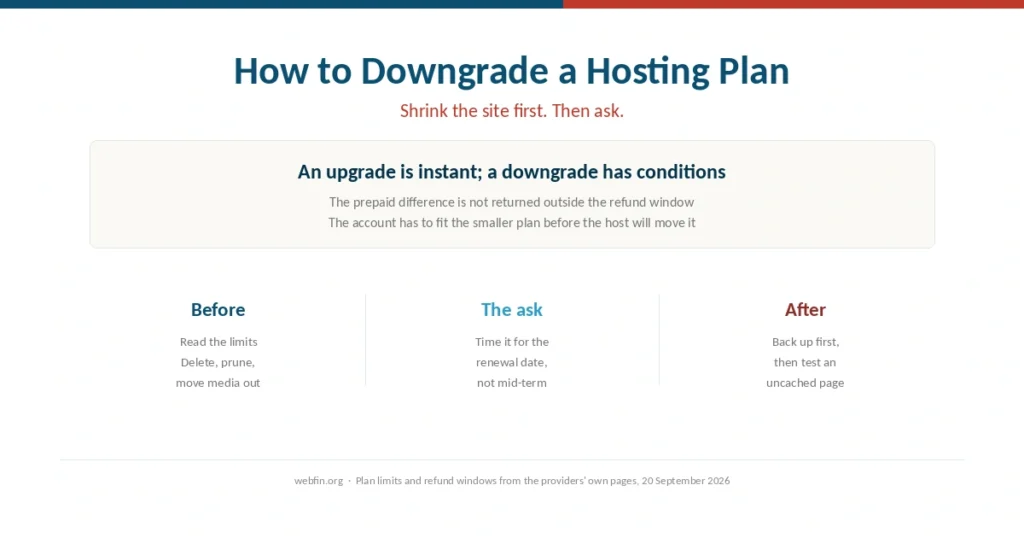
Upgrades are instant and prorated. Downgrades need a support request, rarely refund the difference, and only work once the site fits.
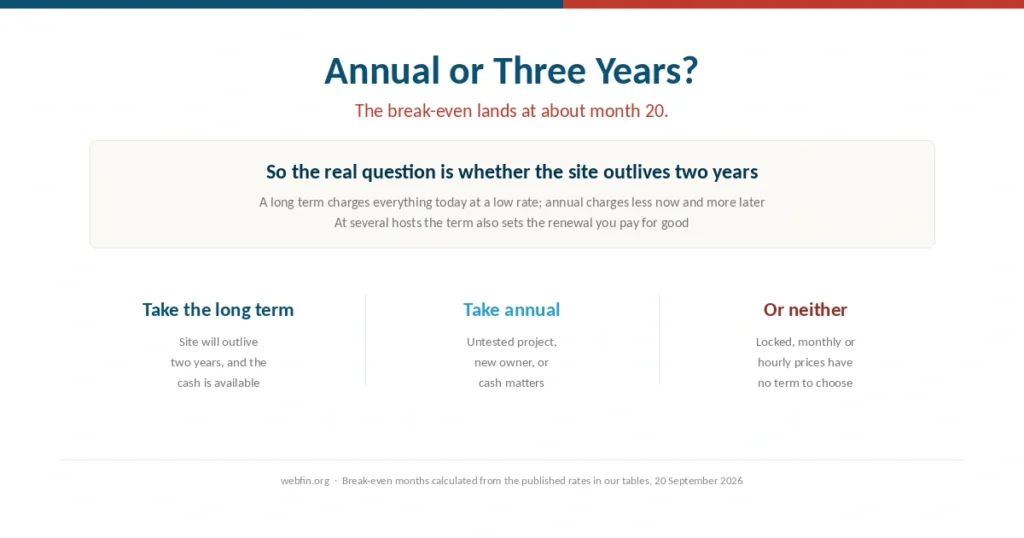
A long prepayment pays for itself at around month 20. So the question is whether the site will outlive two years.
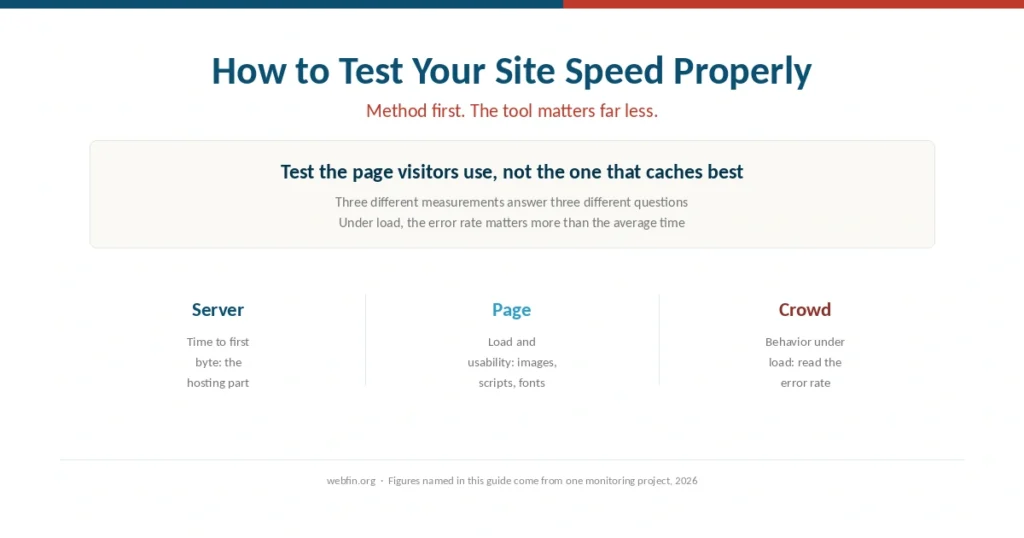
Most speed tests measure a cached home page and tell you nothing about the checkout. Method matters more than the tool.
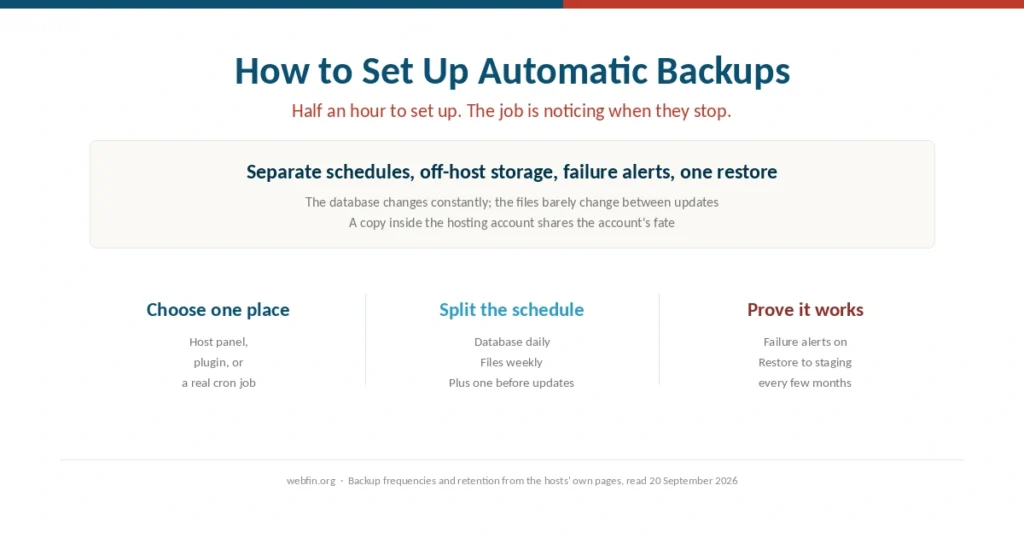
The setup takes half an hour. Keeping it working is the job, because automated backups fail quietly.
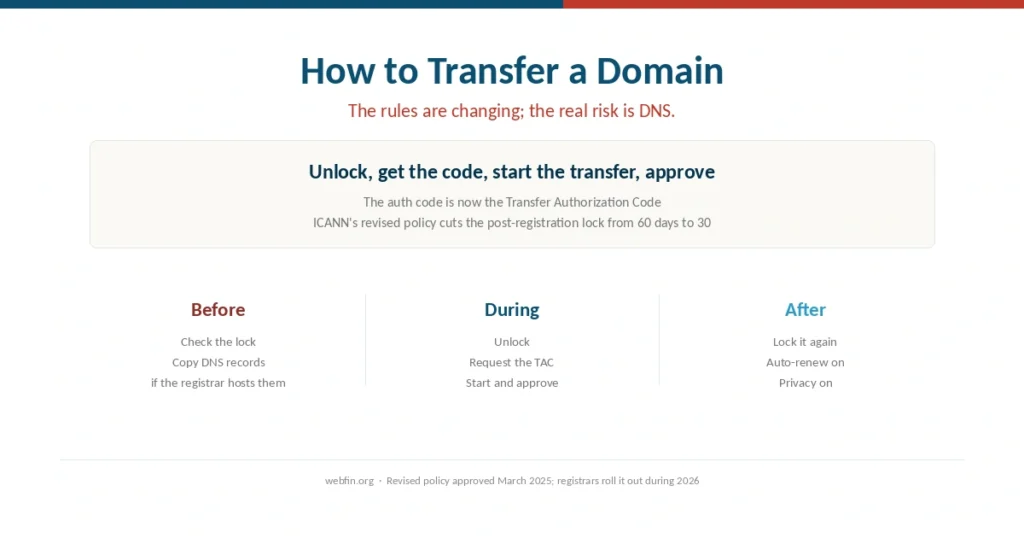
The code has a new name and the lock is getting shorter. The step that breaks sites is DNS that lived at the old registrar.
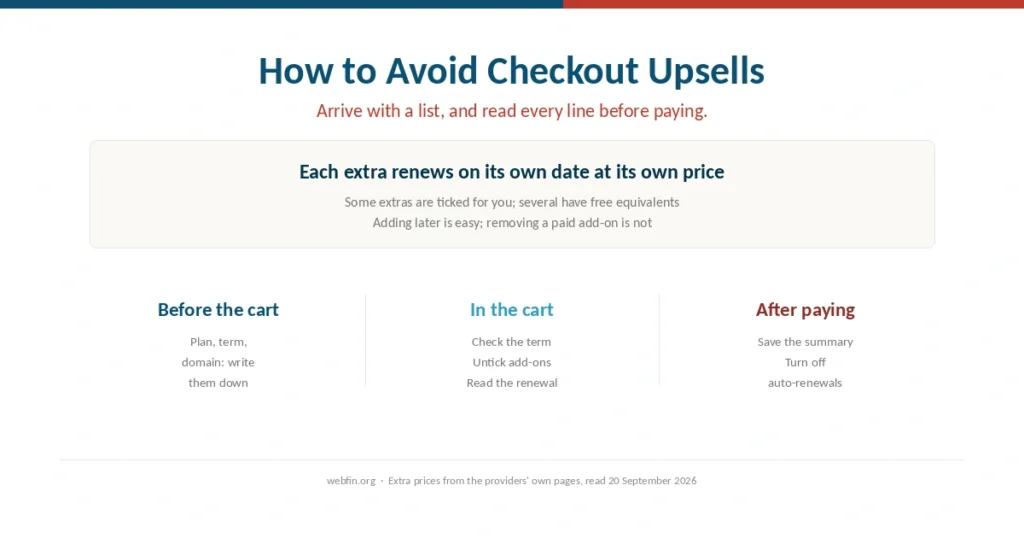
Hosting carts sell extras when buyers are least likely to question them. Arrive with a list, and read every line before paying.
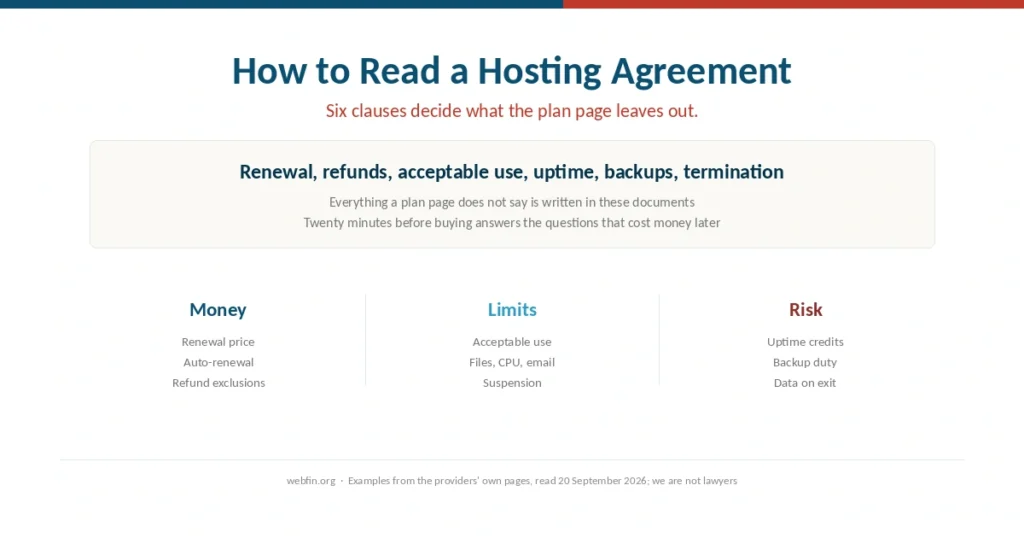
Everything a plan page leaves out is written in six clauses. Twenty minutes with them answers the questions that cost money later.
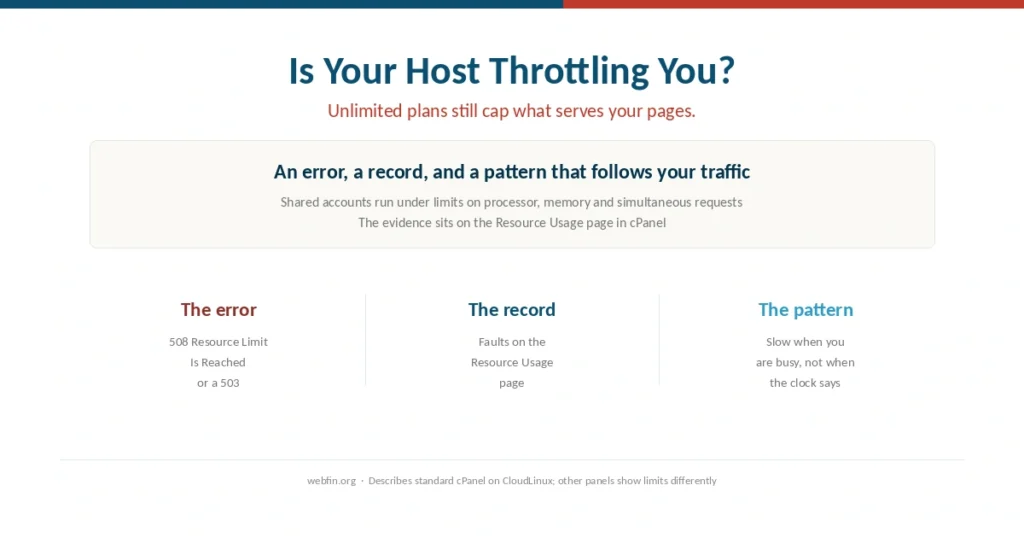
Unlimited plans still cap processor, memory and simultaneous requests. The evidence sits in a panel that is easy to miss.