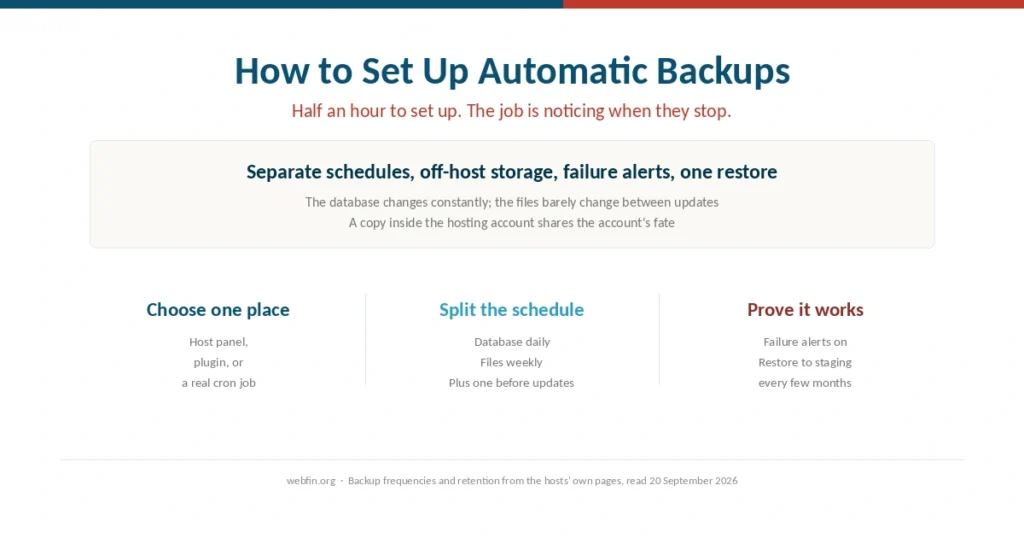
How to Set Up Automatic Backups (2026): And Notice When They Stop
The setup takes half an hour. Keeping it working is the job, because automated backups fail quietly.
Step-by-step guides for the things that go wrong after you buy hosting: migrations, SSL certificates, backups, slow sites, downtime. Written for someone with a control panel already open, not a shopping cart.
The setup takes half an hour. Keeping it working is the job, because automated backups fail quietly.
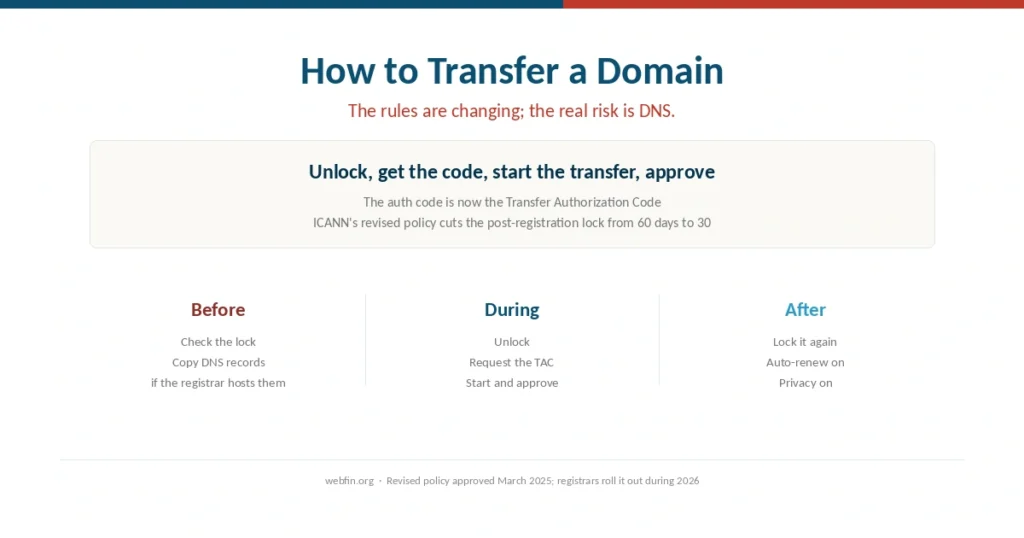
The code has a new name and the lock is getting shorter. The step that breaks sites is DNS that lived at the old registrar.
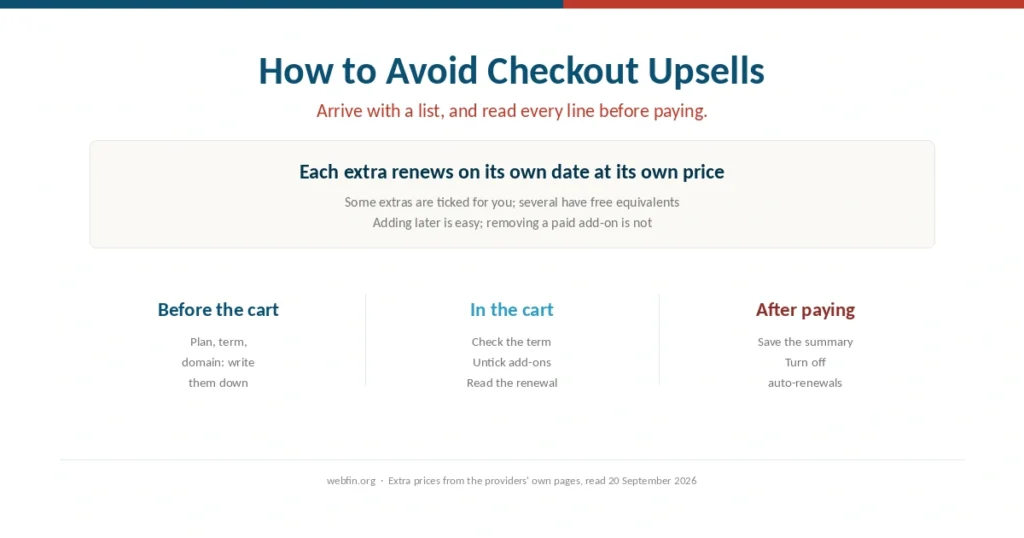
Hosting carts sell extras when buyers are least likely to question them. Arrive with a list, and read every line before paying.
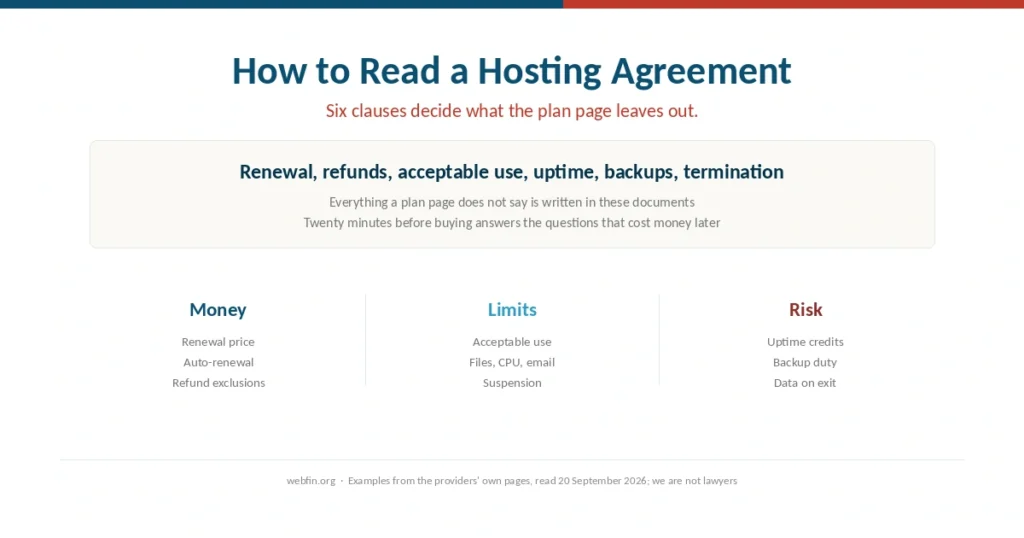
Everything a plan page leaves out is written in six clauses. Twenty minutes with them answers the questions that cost money later.
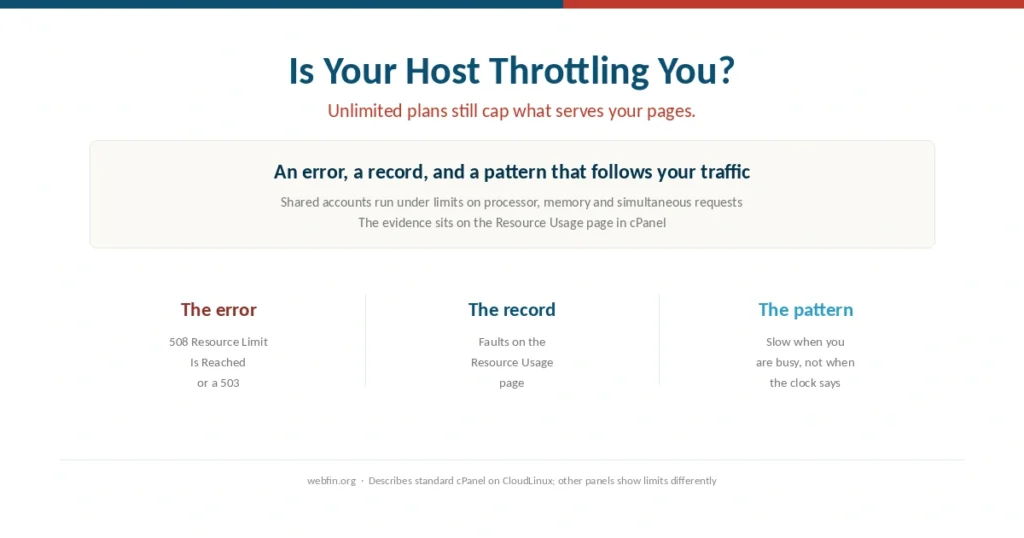
Unlimited plans still cap processor, memory and simultaneous requests. The evidence sits in a panel that is easy to miss.
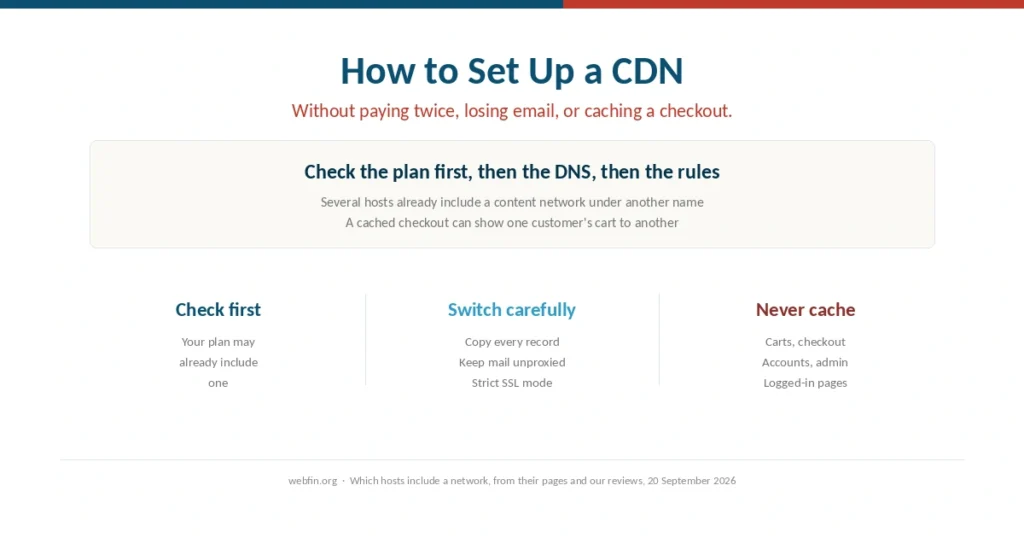
An easy CDN mistake is paying for one you already have. The worst is caching a checkout.
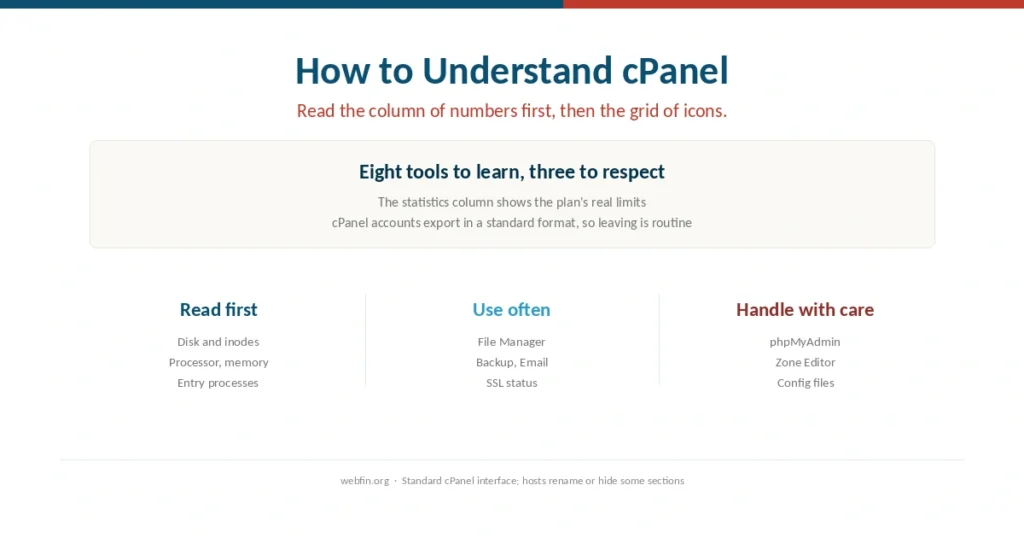
Start with the column of numbers, not the grid of icons. The numbers are your plan’s real limits, and cPanel is one of the few places you can see them.
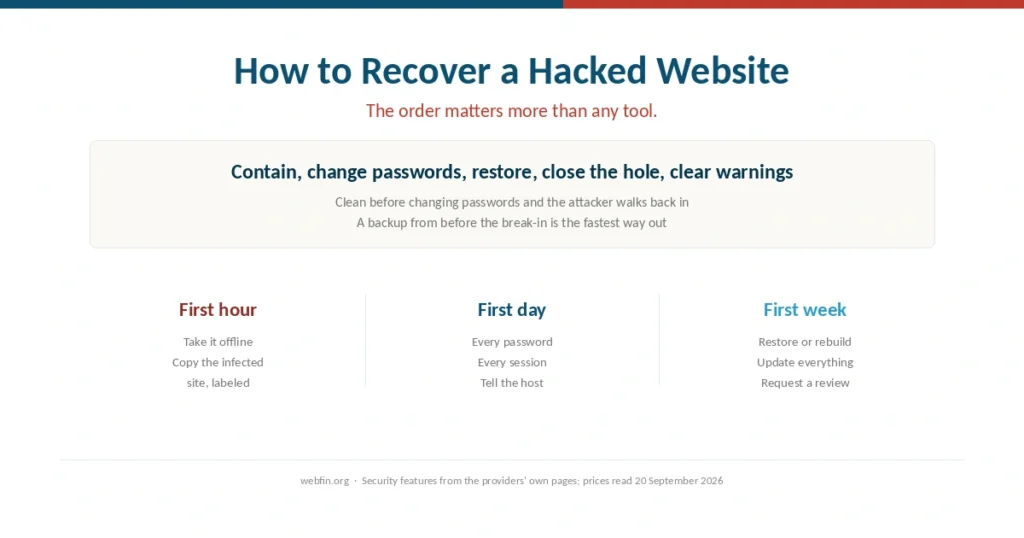
The order matters more than any tool. Clean before changing the passwords and the attacker simply walks back in.
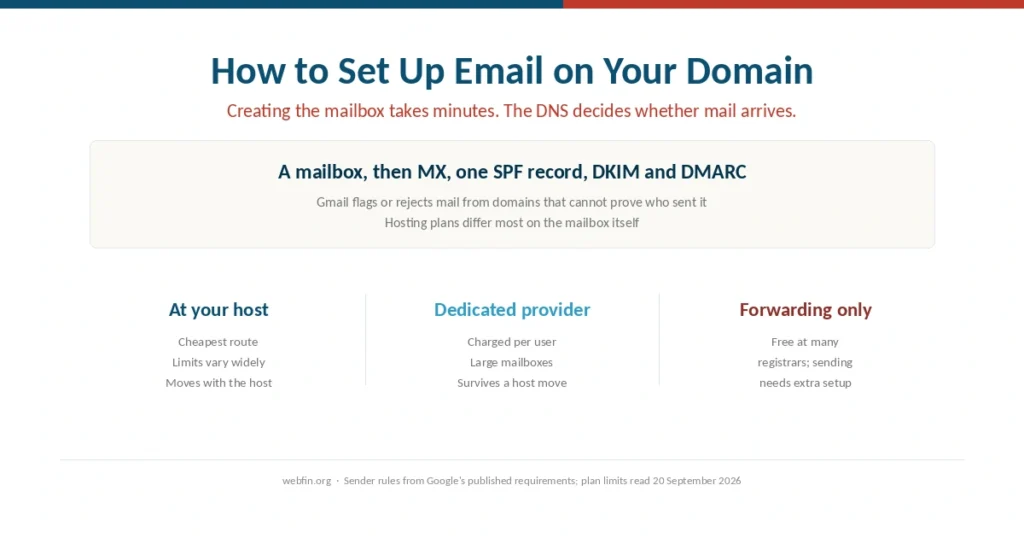
Creating the mailbox takes minutes. The DNS records decide whether anything you send reaches an inbox, and hosting plans differ most on the mailbox.
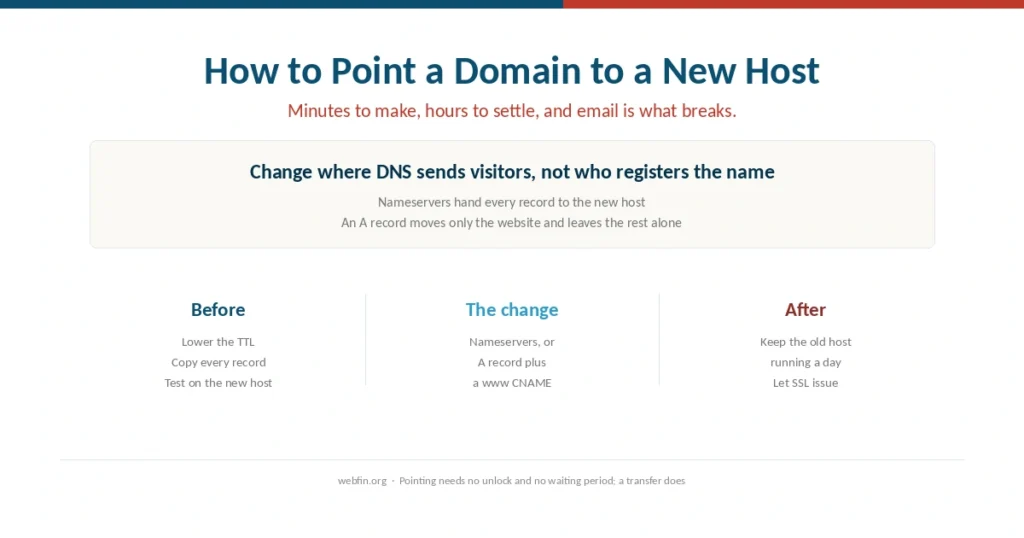
Pointing takes minutes and settles in hours. The part that breaks is email, because its records live in the same place and are easy to overwrite.