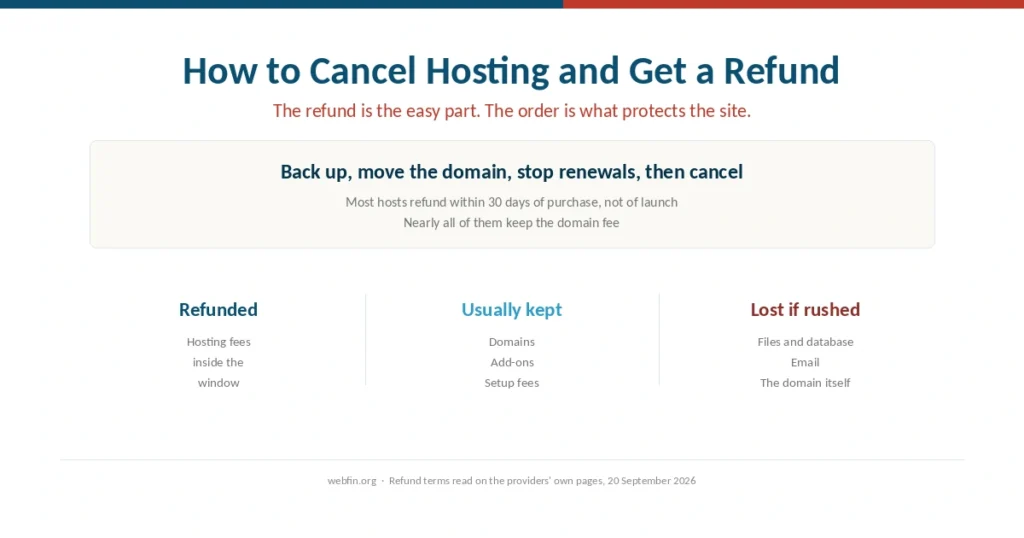
How to Cancel Hosting and Get a Refund (2026): Do It in This Order
The refund is usually the easy part. The site, the domain and the email are what people lose when they cancel in the wrong order.
Step-by-step guides for the things that go wrong after you buy hosting: migrations, SSL certificates, backups, slow sites, downtime. Written for someone with a control panel already open, not a shopping cart.
The refund is usually the easy part. The site, the domain and the email are what people lose when they cancel in the wrong order.
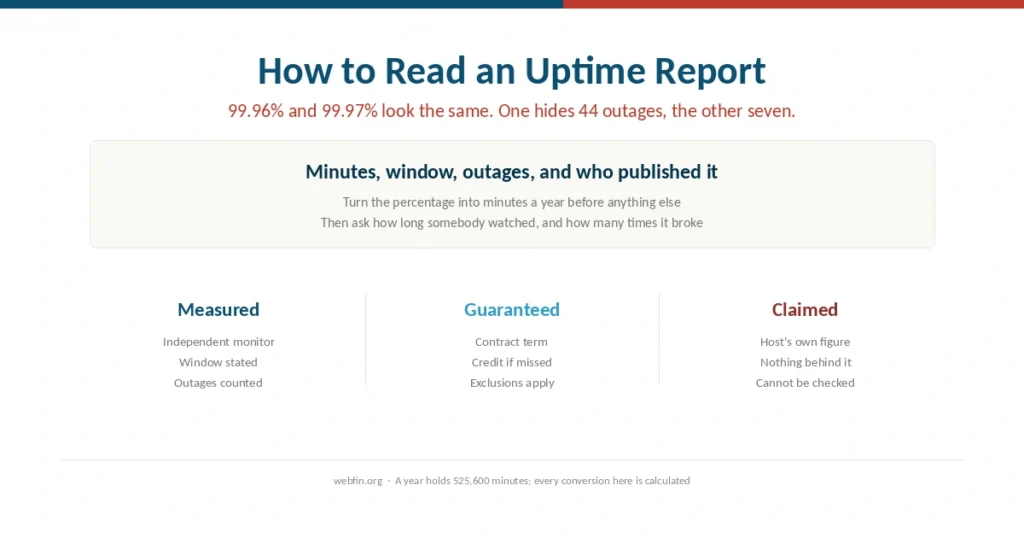
99.96% and 99.97% look identical. One hides 44 outages and the other hides seven, which is why the percentage is the least useful part.
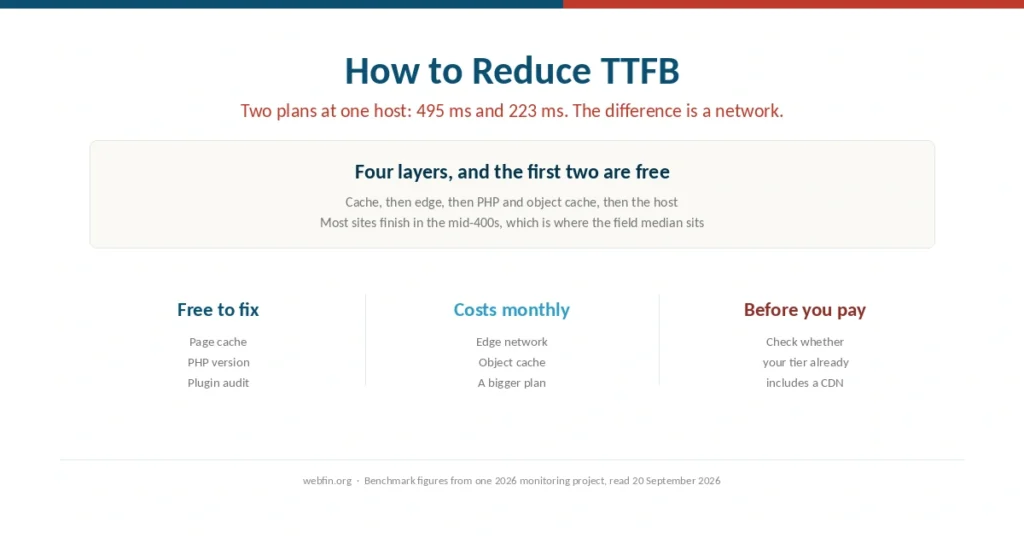
The same host answers in 495 ms on one plan and 223 ms on another. The difference is a content network, not a faster machine.
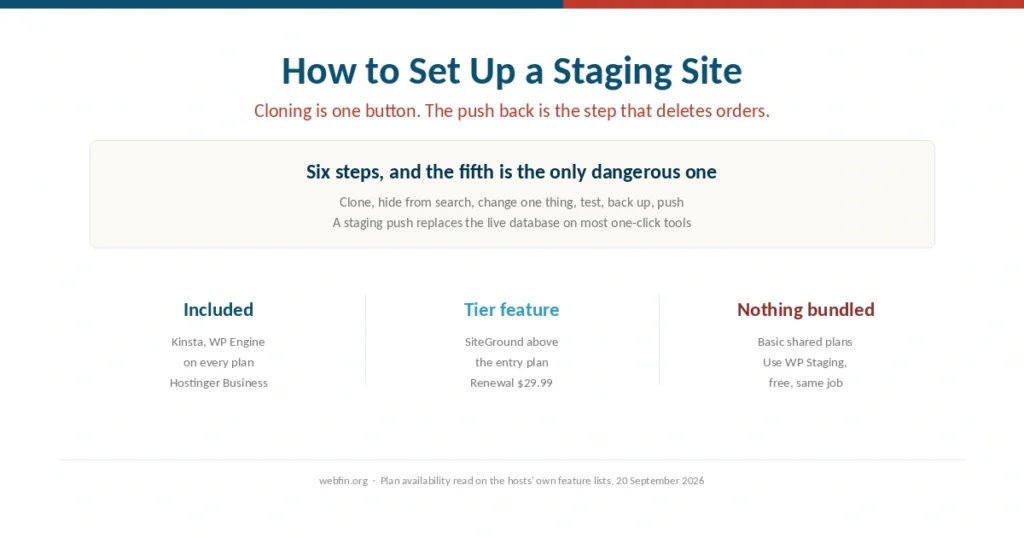
Cloning the site is one button. The push back is the step that deletes orders, and the fix takes two minutes.
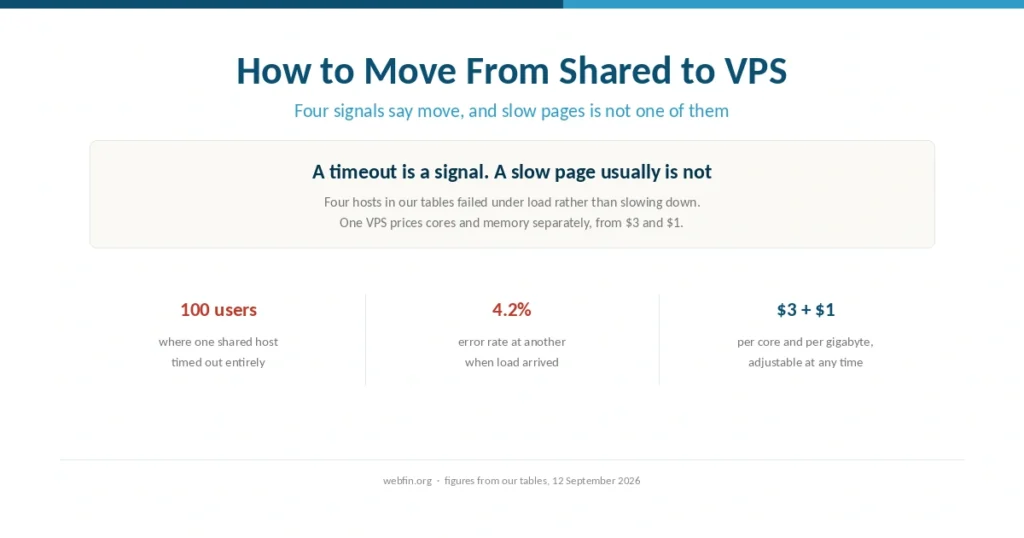
A timeout is a reason to move. A slow page usually is not, and several signals people act on are solved by something cheaper.
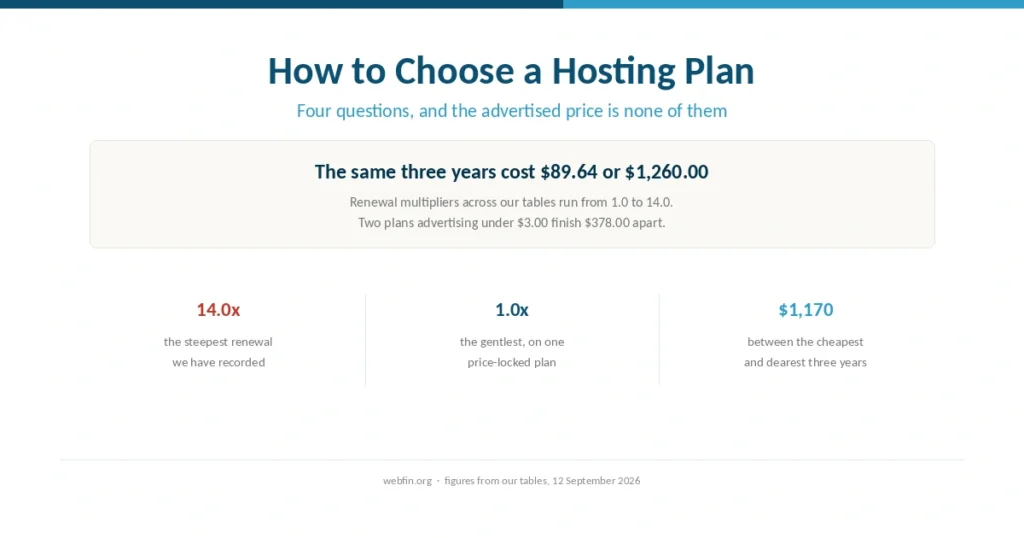
Five plans advertise under three dollars. Across three years they cost between $89.64 and $467.64, and the advertised price tells you nothing about which.
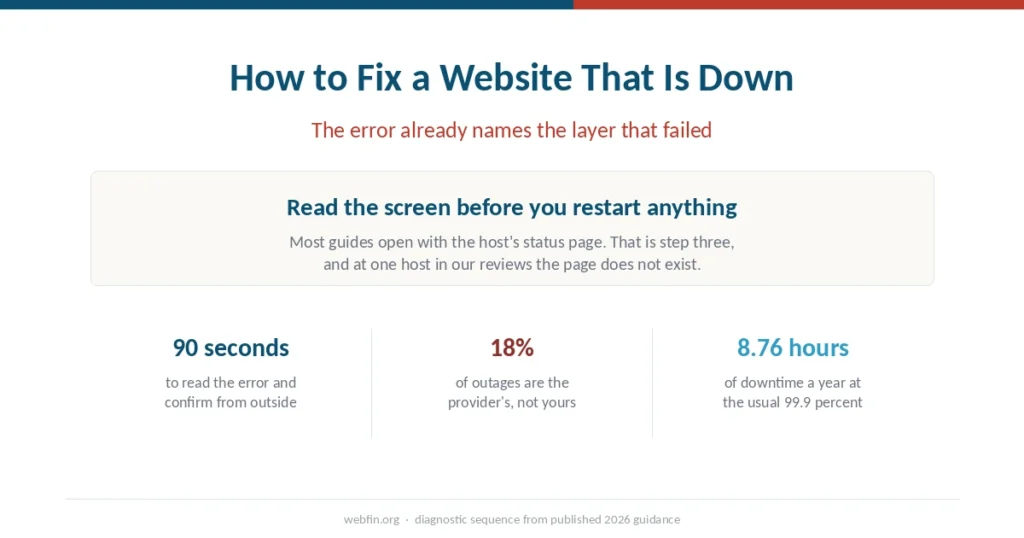
Your browser already told you which layer failed. Most guides skip that sentence and start restarting things.
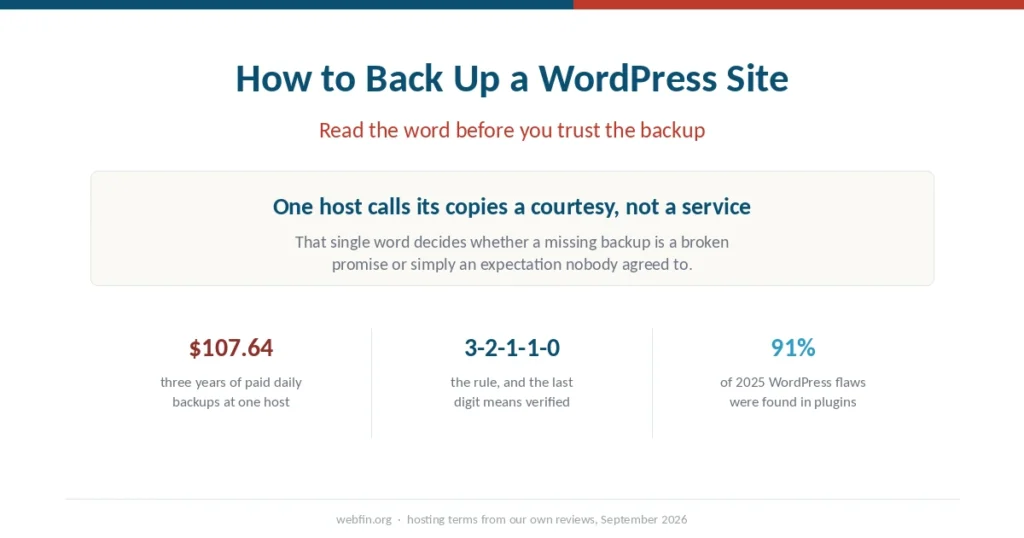
One host in our reviews calls its backups courtesy copies. That single word changes what you are entitled to when a restore fails.
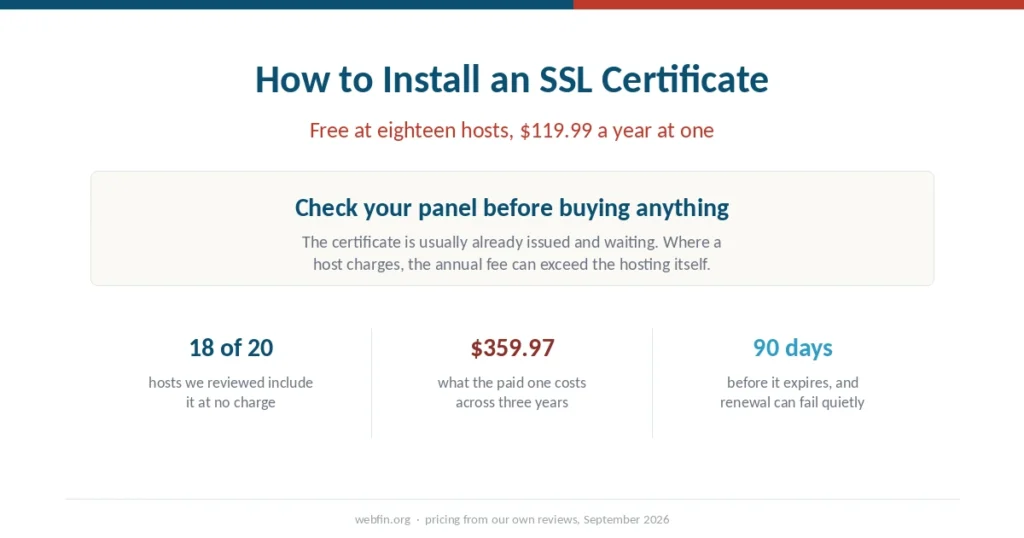
The certificate is almost always free and already waiting in your hosting panel. Where it is not free, the annual charge exceeds the cost of the hosting.
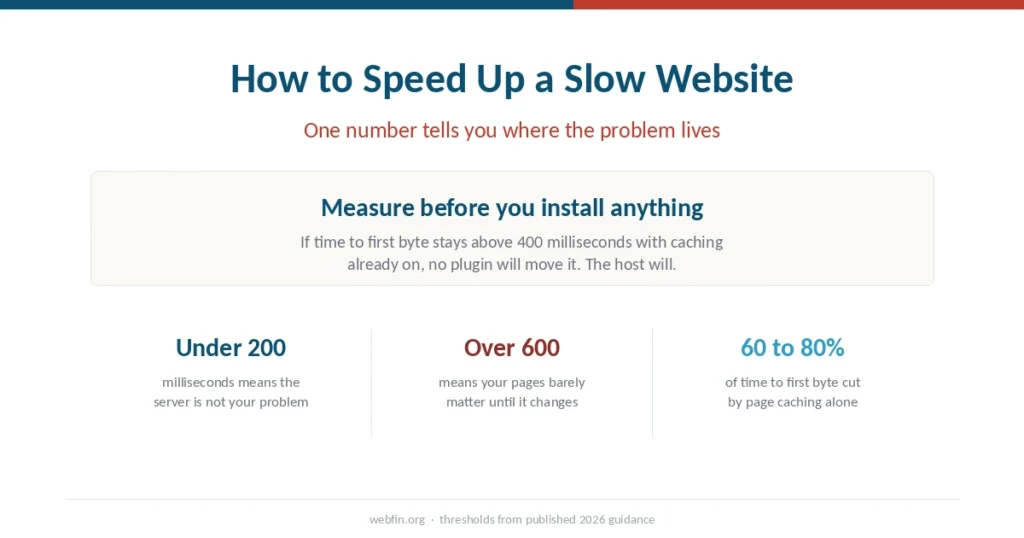
Most speed guides start with plugins. The first useful step is one measurement that tells you whether the bottleneck is your server or your site.